Image manipulation
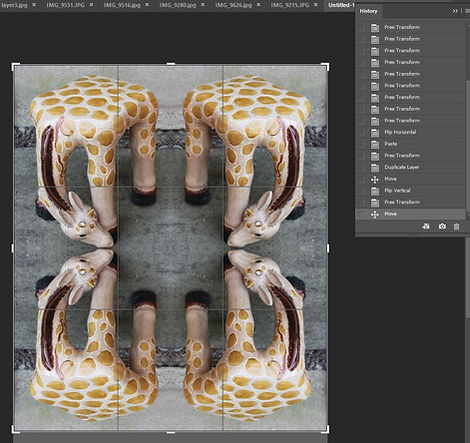
Image manipulation so photoshop is used mostly to alternate and transform the photograph bringing out the best of the image the best in our eyes so a desirable result we try to achieve. We call this procedure post production. After shoot adjusting the light or sharpening the tone and changing the colour.
Layers


Vintage
By learning this method I am now able to alter the mood of the image and give an interesting historical feel to the picture. Digital images can be made to look old and faded to make it look like my grandmothers old pictures.


Selective colour
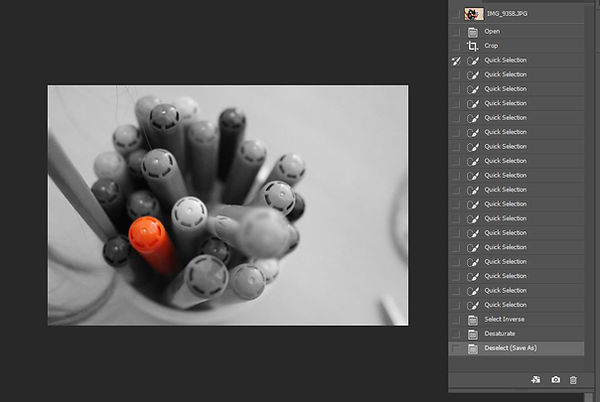
This technique helps highlighting a focal point and making it stand out by everything is in black and white expect the chosen subject so by desaturating the background of the photo. It is useful to create a meaning in an image.


Experimental colour


Screenshots